
Troomi Smart Browser
Creating a cohesive, kid-friendly browsing experience within the Troomi ecosystem.
Troomi Smart Browser is an Android browsing experience designed for kids and families within the Troomi ecosystem. The product combines browsing with features including chats, saved folders, channels, and video content in an experience designed for younger users.
When I joined the project, the Smart Browser was already in development and initial wireframes had established much of the core functionality. My role was to take that foundation, refine the user experience, and evolve the interface into something that felt intuitive, approachable, and distinctly Troomi.
Devices with browser enabled
%
of Troomi devices
Role
Senior Product Designer
Focus
Product Design · UX/UI · Interaction Design · Prototyping
Collaboration
Engineering · Product · Third-Party Vendor
Tools
Figma
The challenge
Creating an intuitive browsing experience for kids.
As the Smart Browser expanded beyond traditional web browsing, the experience needed to help younger users navigate and discover chats, folders, channels, videos, and web content without requiring them to know exactly what to search for.
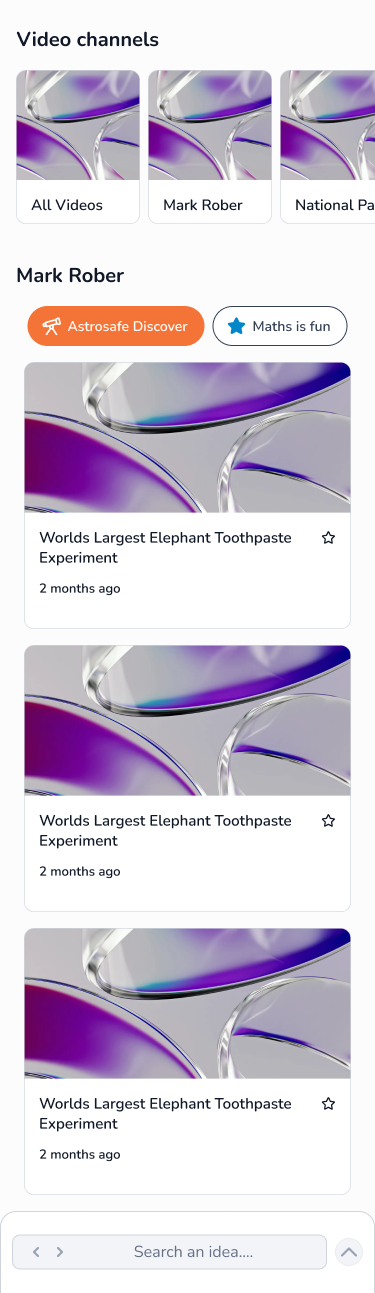
I refined the information architecture, content hierarchy, navigation, and interaction patterns to make a growing set of features feel approachable and connected. Recognizable content cards, filtering, categories, and persistent access to search and navigation helped users explore content while maintaining a clear sense of where they were within the experience.

Refining the experience
Creating consistency, Troomi style.
I revisited the existing wireframes and refined the information architecture, screen layouts, control placement, prompts, navigation, interaction patterns, and visual hierarchy. The goal wasn’t simply to apply Troomi’s visual style, but to make the underlying experience easier for younger users to understand and navigate.
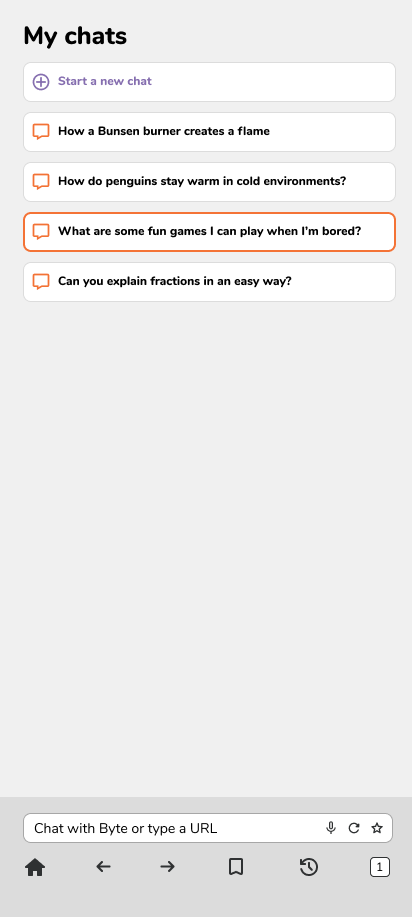
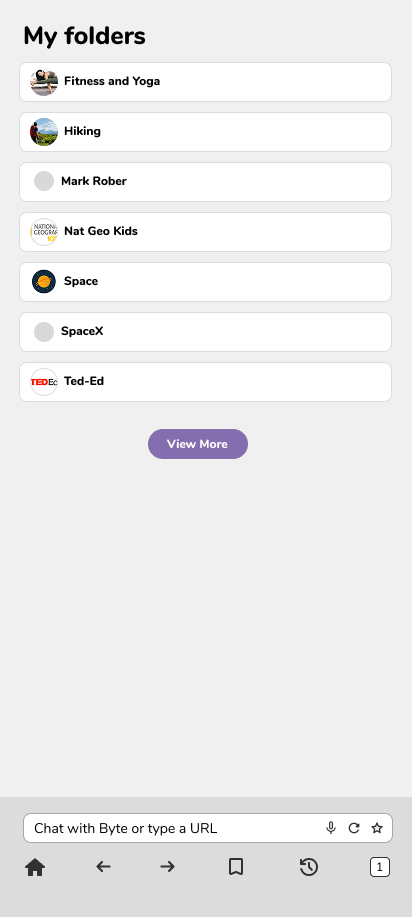
Rather than treating chats, folders, channels, videos, and browsing as disconnected features, I worked to establish a consistent experience across them. Repeated patterns, visual hierarchy, and familiar navigation help users understand where they are and move between different types of content.
I also brought the interface into Troomi’s established visual language so that the Smart Browser felt like part of the larger product ecosystem rather than a separate application.
Designing for Discovery
Leveraging existing patterns and models.
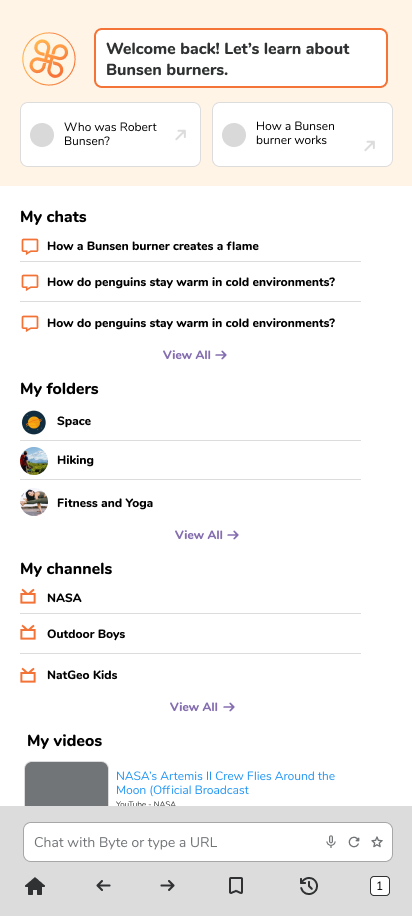
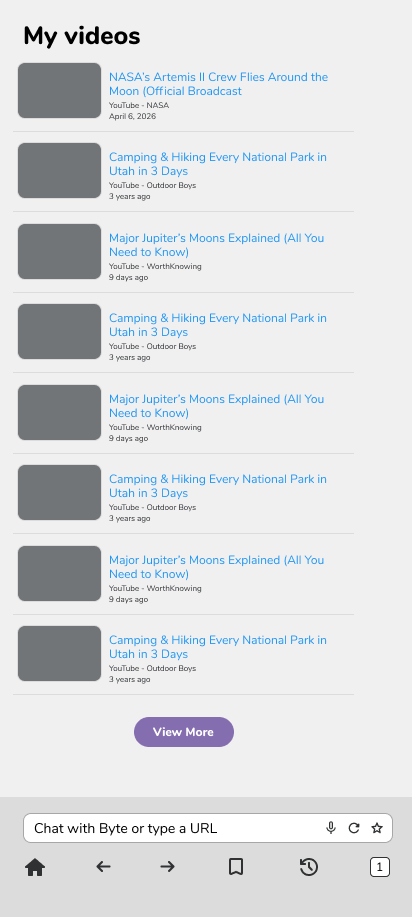
The Smart Browser home experience brings several types of content together in one place, allowing users to discover and return to chats, folders, channels, videos, and browsing activity.
The design uses hierarchy and progressive disclosure to provide access to these options while keeping the primary experience approachable on a mobile screen.
Consistency Across Content Types
One structure, different interactions.
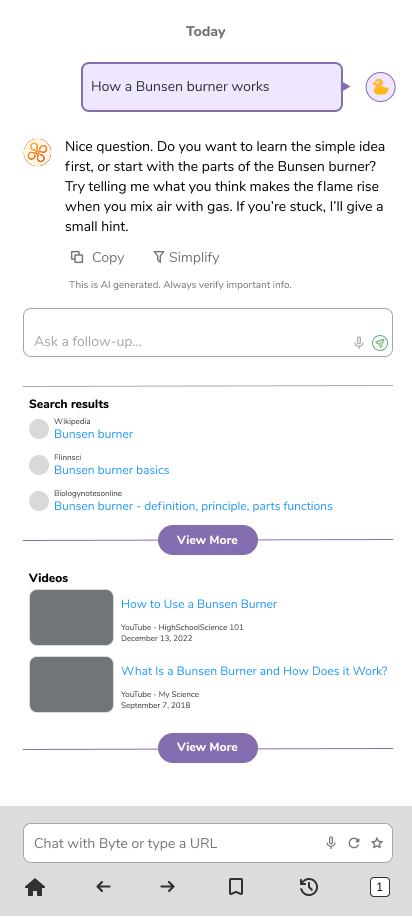
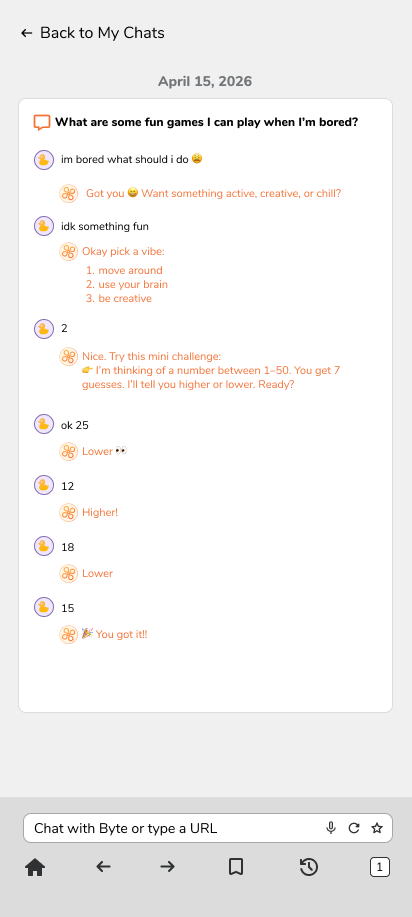
The Smart Browser supports different kinds of content and discovery while maintaining familiar interaction patterns throughout. I used consistent card structures, navigation, filtering, controls, and visual hierarchy so that new sections still felt familiar as users moved through the experience.


The Outcome
From design to 20,000+ devices.
I worked closely with Product and Engineering as the designs moved toward implementation, refining the experience around both user needs and the realities of a product already in development.
The redesigned Troomi Smart Browser shipped as part of Troomi’s production product experience and has since been enabled on 20,233 devices—78% of Troomi devices.
What I’d Do Differently Today
Validating earlier through rapid prototyping.
If I were approaching the project today, I would bring functional prototyping and user validation into the process earlier.
My design workflow has evolved to incorporate AI-assisted research, exploration, and rapid prototyping. I would use those tools to explore more interaction approaches quickly, build realistic prototypes earlier, and put those experiences in front of users before investing deeply in a particular direction.
That would allow user feedback to play an even larger role in determining which interactions and concepts should move forward into production.